
Notifications
Real-Time Updates at White Rose Park
Both occupiers and visitors can sign up for HubPoint notifications. These push notifications are reserved for the most important messages, good and bad.
Instant Giveaways
Part of HubPoint will lbe instant community giveaways. This might be coffees from Starbucks, ice-cream at Aperitivo or other little ways to brighten the day. Notifications will let you know early when the giveaways are about to begin so you don’t miss out.
Avoid Unexpected Delays
We’ll also ping you when we can help you avoid an issue. So if a road is closed or some other unexpected emergency crops up, we’ll let you now so you can easily adjust your plans.
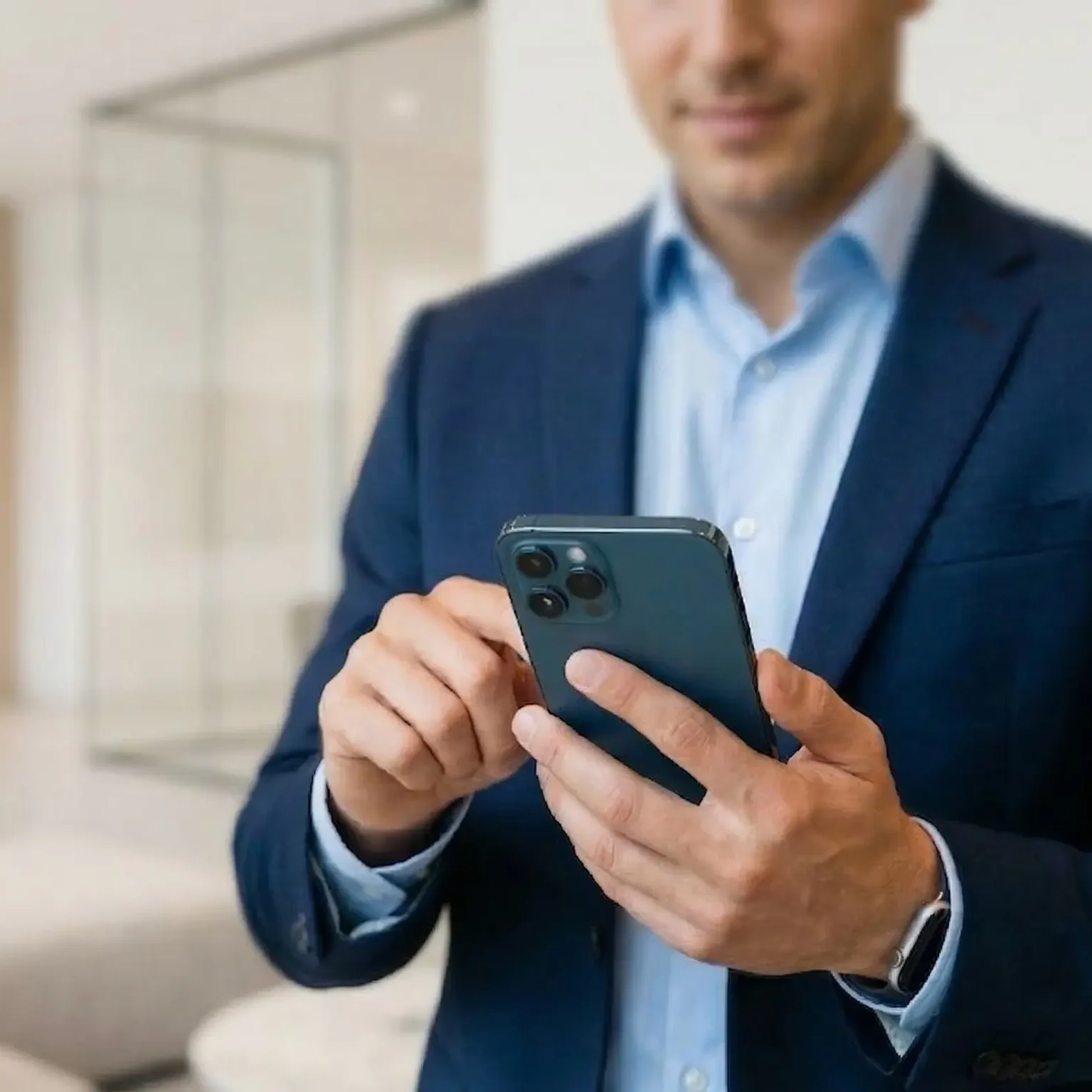
On iPhone or iPad
Notifications on iOS require you to save this site to your Home Screen first , this is an Apple requirement and only takes a moment.
- Open this page in Safari
- Tap the Share button at the bottom of the screen (it looks like a box with an arrow pointing up)
- Scroll down and tap Add to Home Screen
- Tap Add in the top right corner
- Open the site from your new Home Screen icon
- When prompted, tap Allow to enable notifications
On Android
You can also install the site to your Home Screen for a faster experience . Tap the three-dot menu in Chrome and select Add to Home Screen.
- Open this page in Chrome
- When the notification prompt appears, tap Allow
- If you dismiss it by mistake, tap the padlock icon in the address bar, select Notifications, and set it to Allow